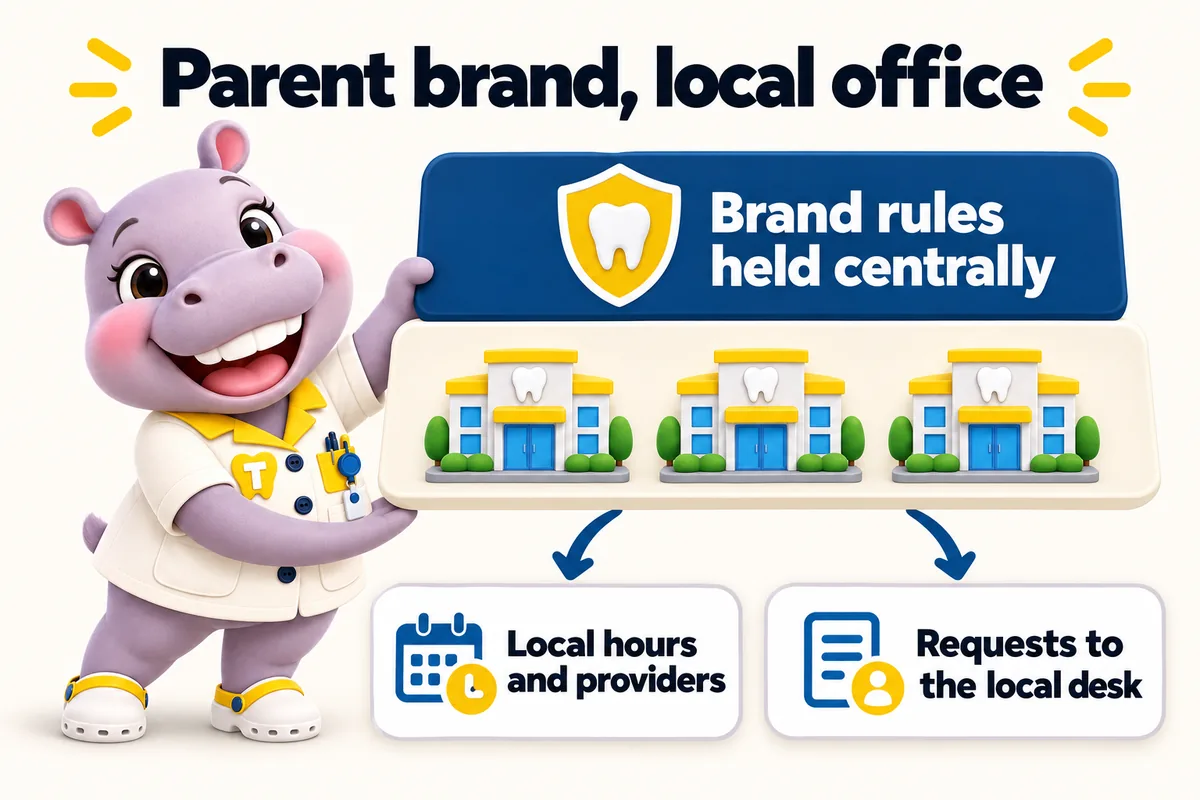
A website for DSO-affiliated practices that keeps the parent brand and the local office both honest
A DSO-affiliated practice website has to follow the parent brand's rules while still reading as the local office a patient will walk into, so it carries the brand system at the top, the office's own providers, hours and story on the page, and routes every request to that office's front desk rather than a central inbox.
What usually goes wrong for dso-affiliated practices
- The parent template makes every office look identical, so patients cannot tell which one is near them or who works there.
- Requests go to a central call center that does not know the office, so callbacks are slow and generic.
- Local office managers cannot change anything, so hours and providers drift out of date.
- Brand rules are strict and the current site breaks them in small ways nobody has time to fix.
The pages your site will carry
Written from what you tell us on the onboarding call, approved by you before launch, and kept accurate every week after it.
- Home with the finder, in the parent brand system
- One location page per affiliated office with local providers and hours
- Service pages written to the brand's approved language, with per-office availability
- One provider page per clinician
- About this office page with the local story
- Insurance and membership plan page per office
- Brand-approved patient forms and policies pages
- Request an appointment at this office
Finder that routes to the local desk under the parent brand
A patient picks a service and a town and sees the nearest affiliated office, its hours and its providers, presented in the parent brand system. The request is tagged with the office and delivered where the DSO decides: the local front desk system, a regional CRM with an office field, or a central platform with per-office pipelines. The office is always identified, so the callback comes from someone who knows it.
Three ways to run it
Same site on every plan. The larger plans add the AI Engine and the Content Engine. The $797 build fee is invoiced after launch on all three.
- ChairsideThe website, fully managedlive in 7 days
- Operatory SuiteEverything, plus the AI Enginelive in 10 days
- GroupEverything, plus the Content Enginelive in 15 days
Questions from dso-affiliated practices
Can the site follow a brand guide from the DSO exactly?
Yes. We build to the brand system you supply, including colors, type, logo rules and approved service language, and we keep the local office content inside those rules. Brand updates from the parent are applied as revisions.
Who is allowed to send changes, the office or the DSO?
Whoever you decide. Many groups let office managers send weekly detail updates for hours and providers while the DSO marketing team approves anything that touches brand or service language. We follow the approval path you set.
Can requests go to a central platform and still identify the office?
Yes. Every request carries the office, service and provider, and can be delivered to a central CRM with an office field, a regional pipeline or the local desk, by API, Zapier or Make.
Does the site need its own domain or a path on the DSO domain?
Either. It can live on its own domain, on a subdomain of the parent, or as a section of the parent site if the DSO prefers, with the same location page structure and per-office schema in each case.
See it built for dso-affiliated practices.
A live walk-through, on your screen, of the site you would get. Thirty minutes, no slides.